The Motivate MD app
The Motivate MD Portal, on your phone.
Same account, and everything you’ve saved is already there.
Free on iPhone and Android
Write on your laptop. Check in on your phone.
One free account opens both. Build your school list and draft your essays on the web, then keep up from anywhere.
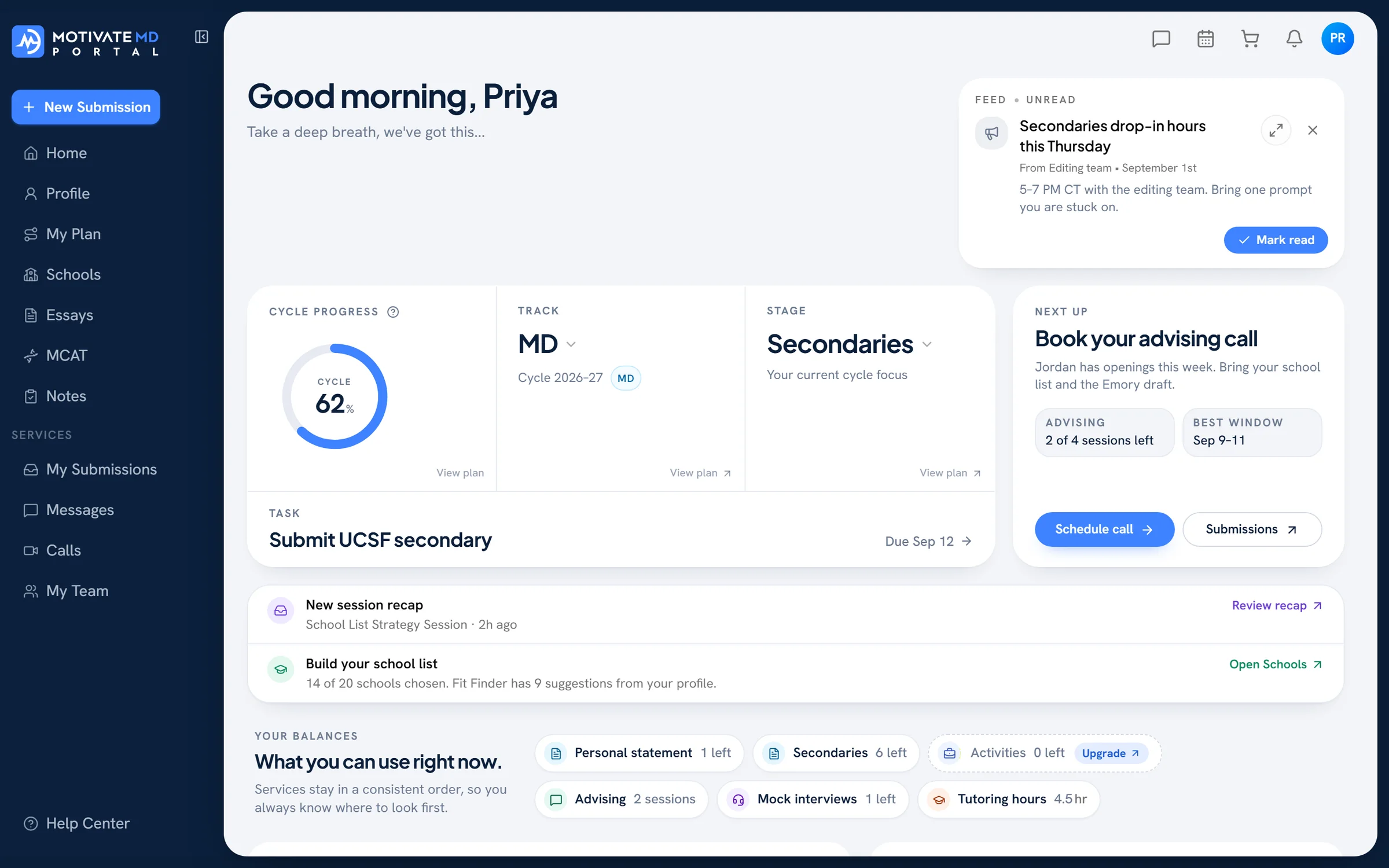
For the minutes between everything else.
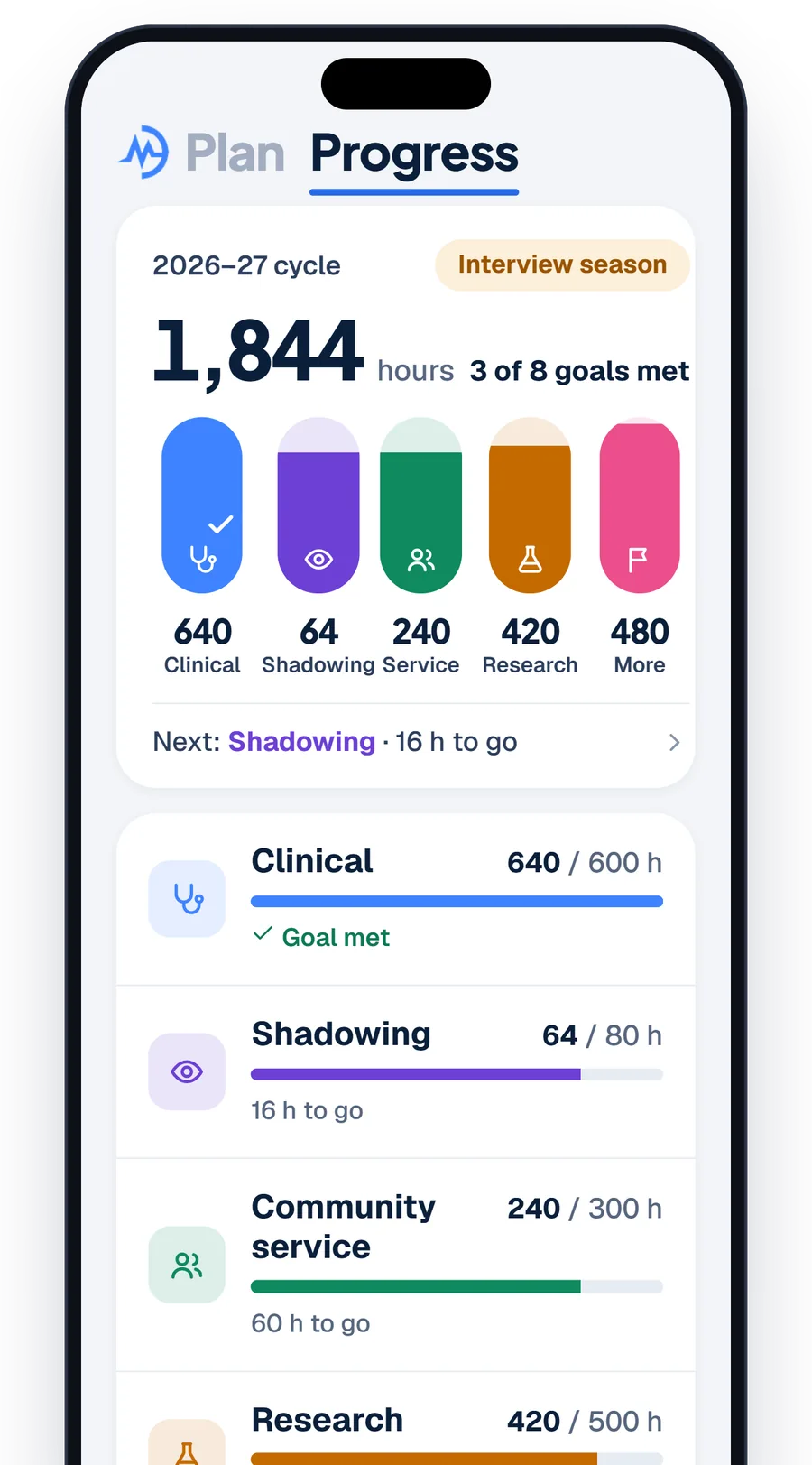
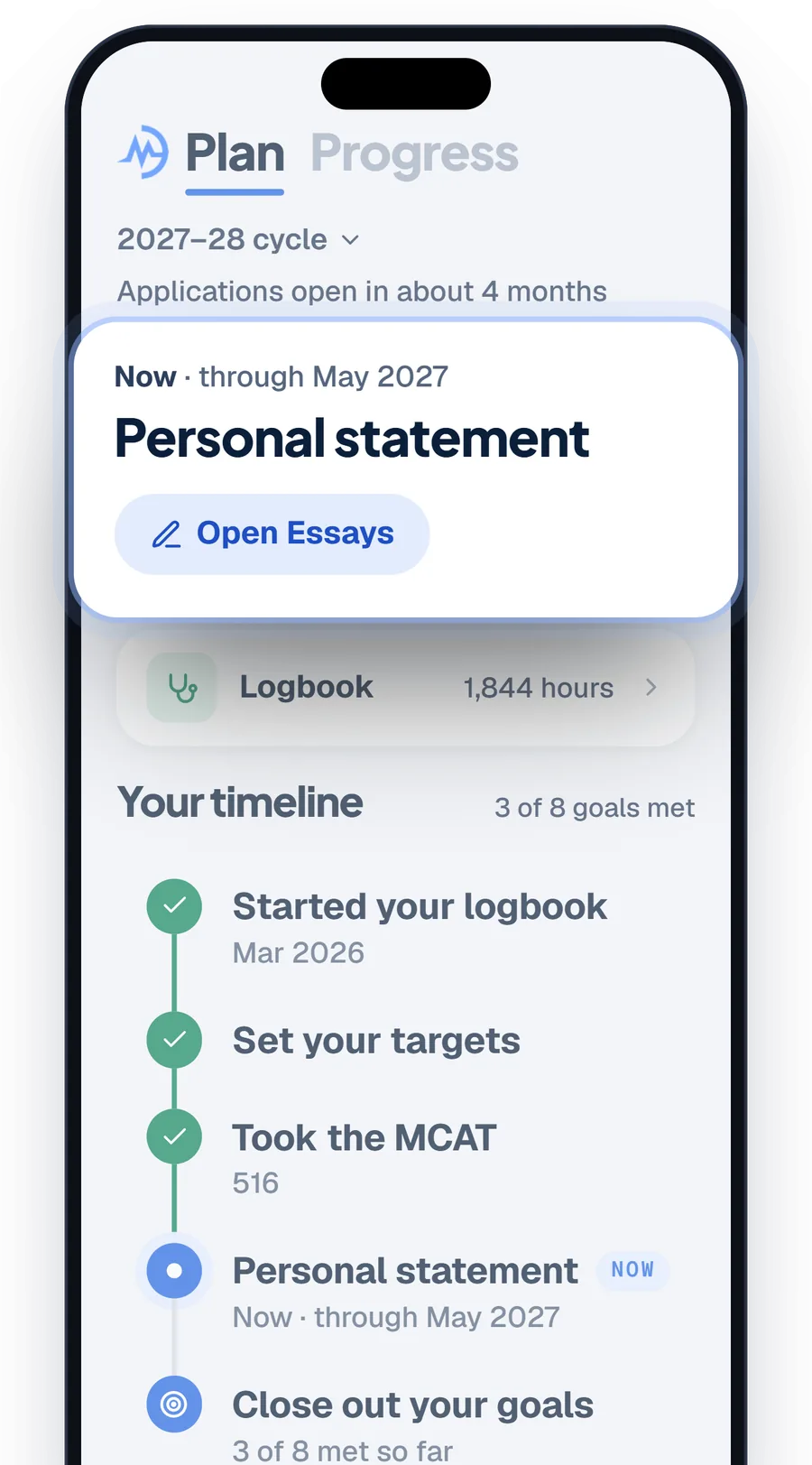
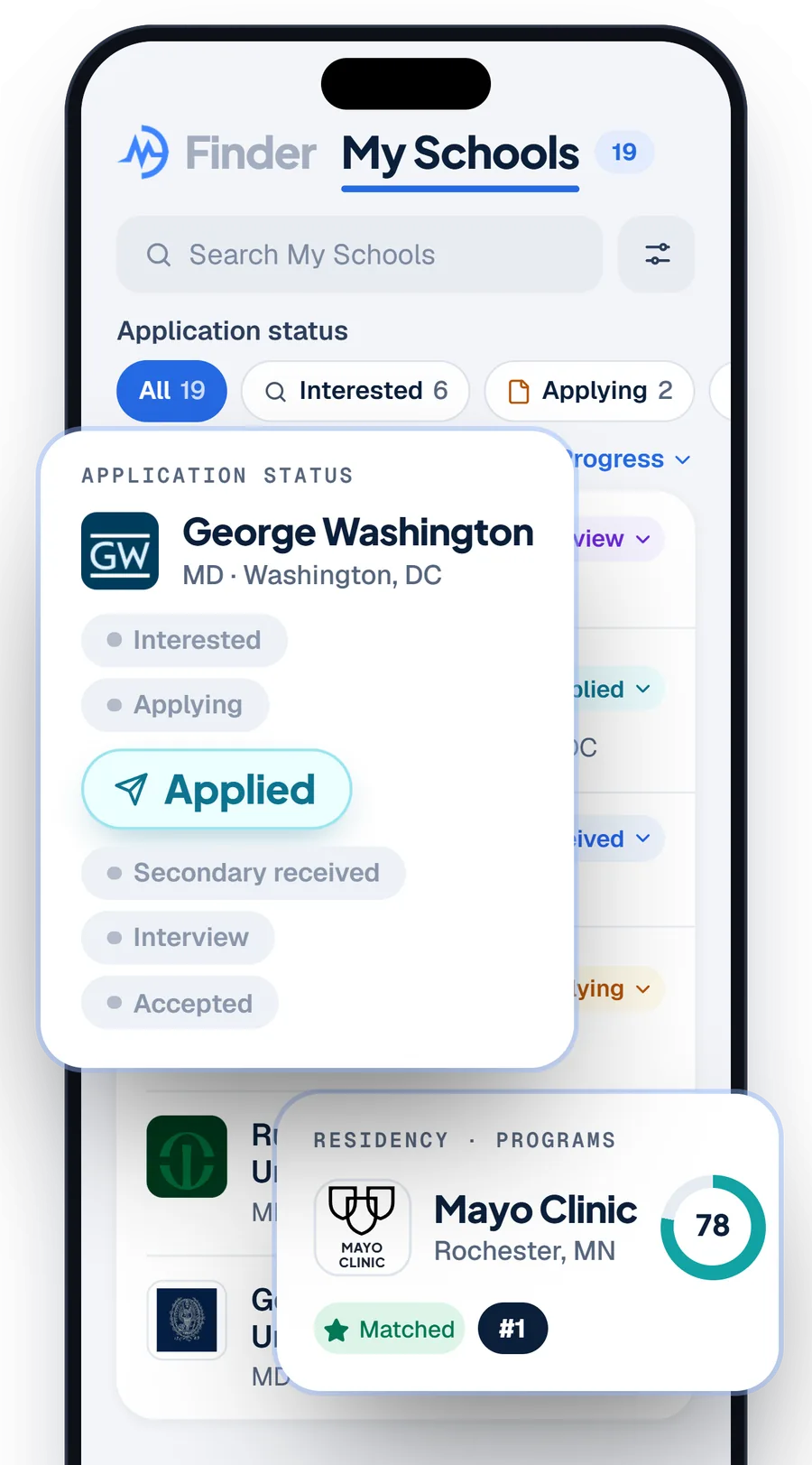
Log hours before you leave the clinic.
Shadowing, clinical, service and research, counted against your goals.
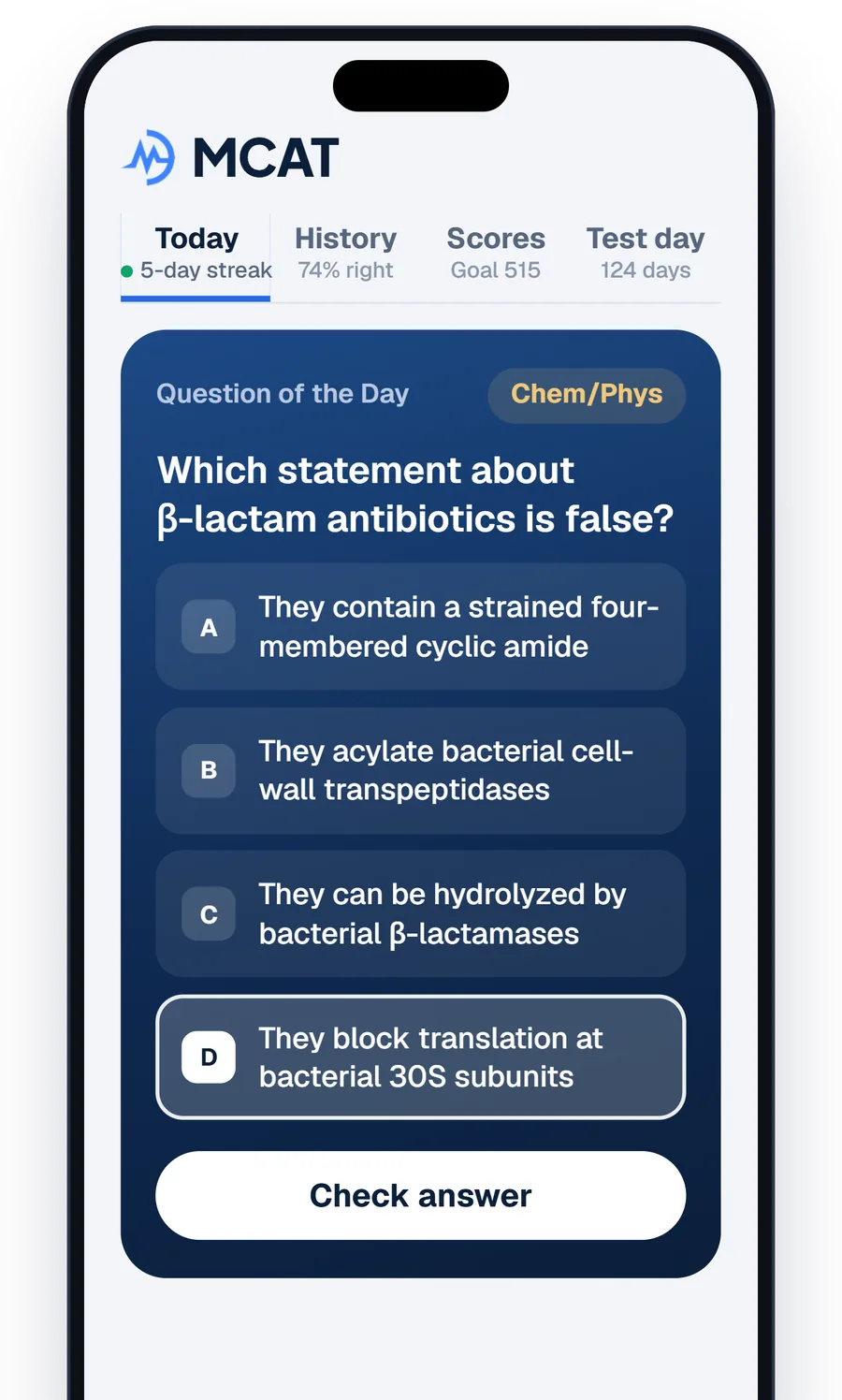
A new question every day.
MCAT, Step 1 and Step 2 CK, with the explanation as soon as you answer.
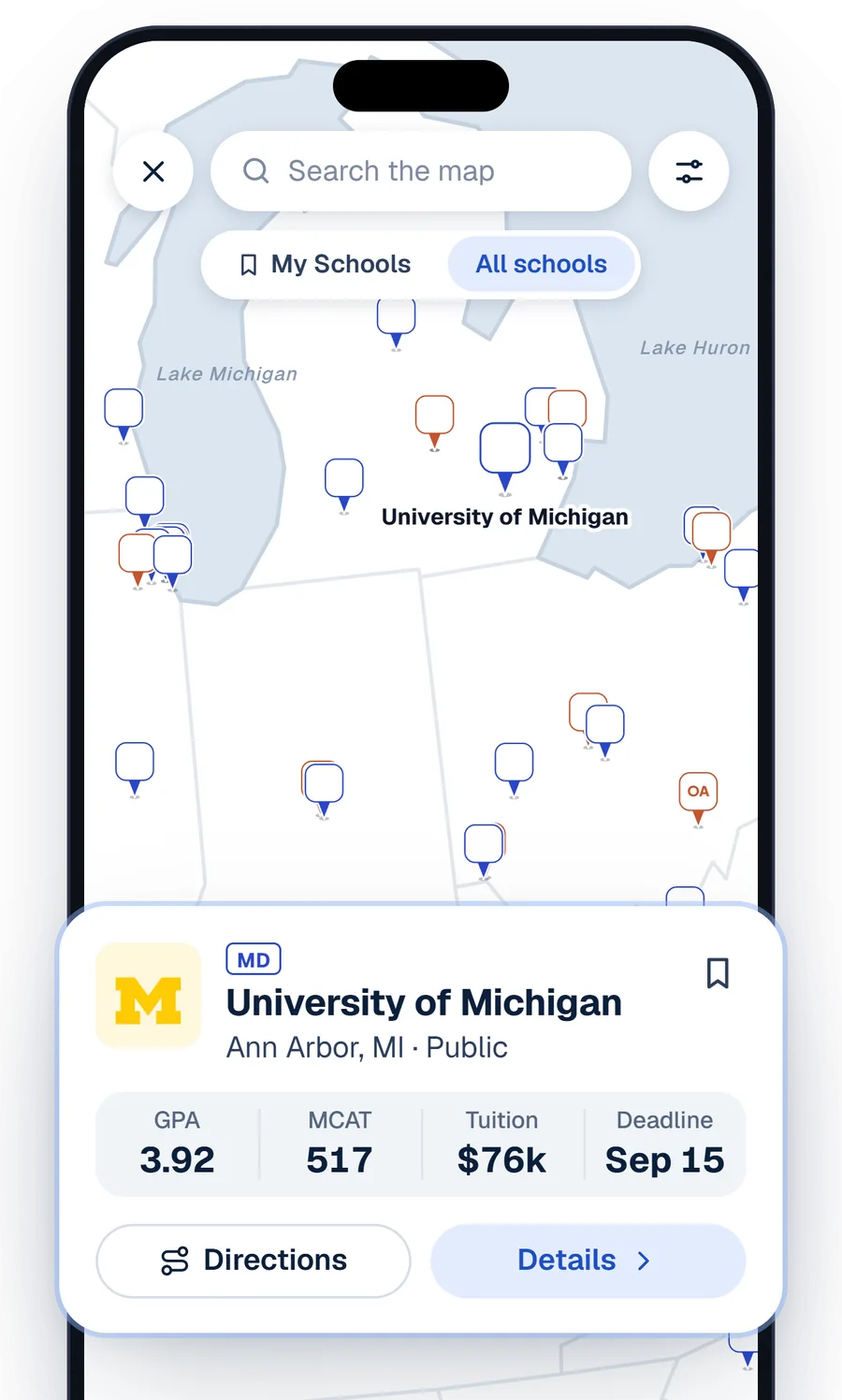
Every MD and DO school.
On a map or in a list, with each school’s GPA, MCAT, tuition and deadline.
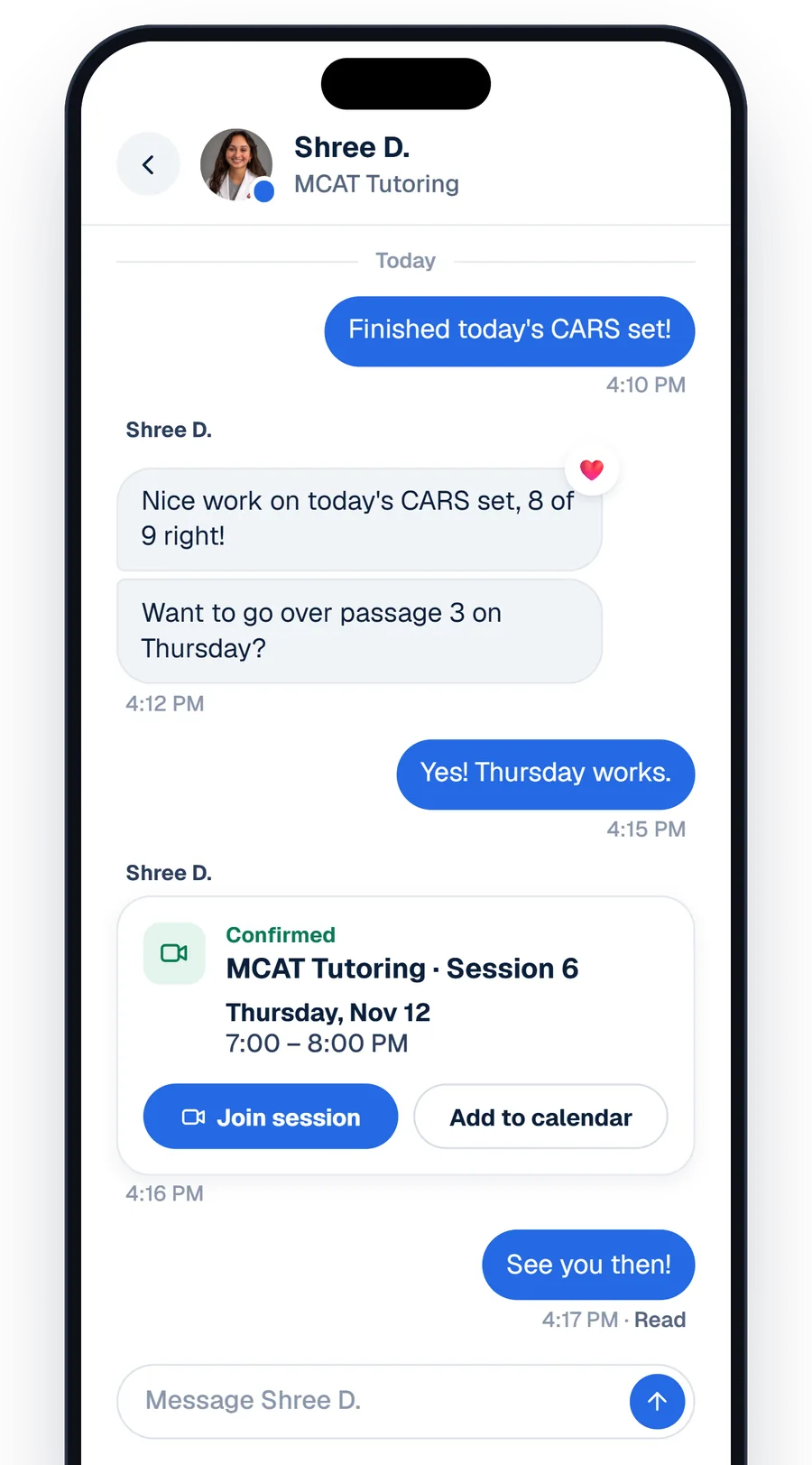 Members
Message your team.
Members get their coaches, sessions and requests in one place.
Used The PreMed App?
It’s the same app with a new name: the Motivate MD app, formerly The PreMed App.
Update the app.
Same App Store and Google Play listing, now called Motivate MD.
Sign in with your email.
Use the email from The PreMed App and choose Email me a code. Your old password doesn’t carry over.
Pick up where you left off.
Your hours, schools and notes came with you. Hours are in the Logbook, under Plan.
Something missing? Email [email protected]
No app on your phone?
The app needs iOS 16.4 or later and is in the App Store and Google Play in the US and Canada. Everywhere else, the Portal works in any browser.
Open the Portal on the webQuestions
Is the app different from the Portal?
It’s the Portal, on your phone. You sign in with the same account, and what you save in one is there in the other. Some longer work, like drafting essays, is easier on a laptop.
Is the Motivate MD app free?
Yes. A free account includes the school directory, your school list, the Logbook and the daily questions. Members also get their requests, messages and sessions with their team.
Which phones does it work on?
iPhones with iOS 16.4 or later, and Android phones, in the US and Canada. Anyone can use the Portal on the web at portal.motivatemd.com.
I used The PreMed App. Do I need a new account?
No. Update the app, sign in with the email you used in The PreMed App and choose Email me a code. Your hours, schools and notes came with you.
How do I delete my account?
In the app, open More, then Settings, then Request account deletion. You can also ask from the Portal’s account deletion page or by emailing [email protected]. We finish every request within 7 business days. Open the account deletion page
Get the Motivate MD app.
Free, with the account you already have.