 The Motivate MD app
The Motivate MD Portal, on your phone.
Same account, and everything you’ve saved is already there.
Free on iPhone and Android
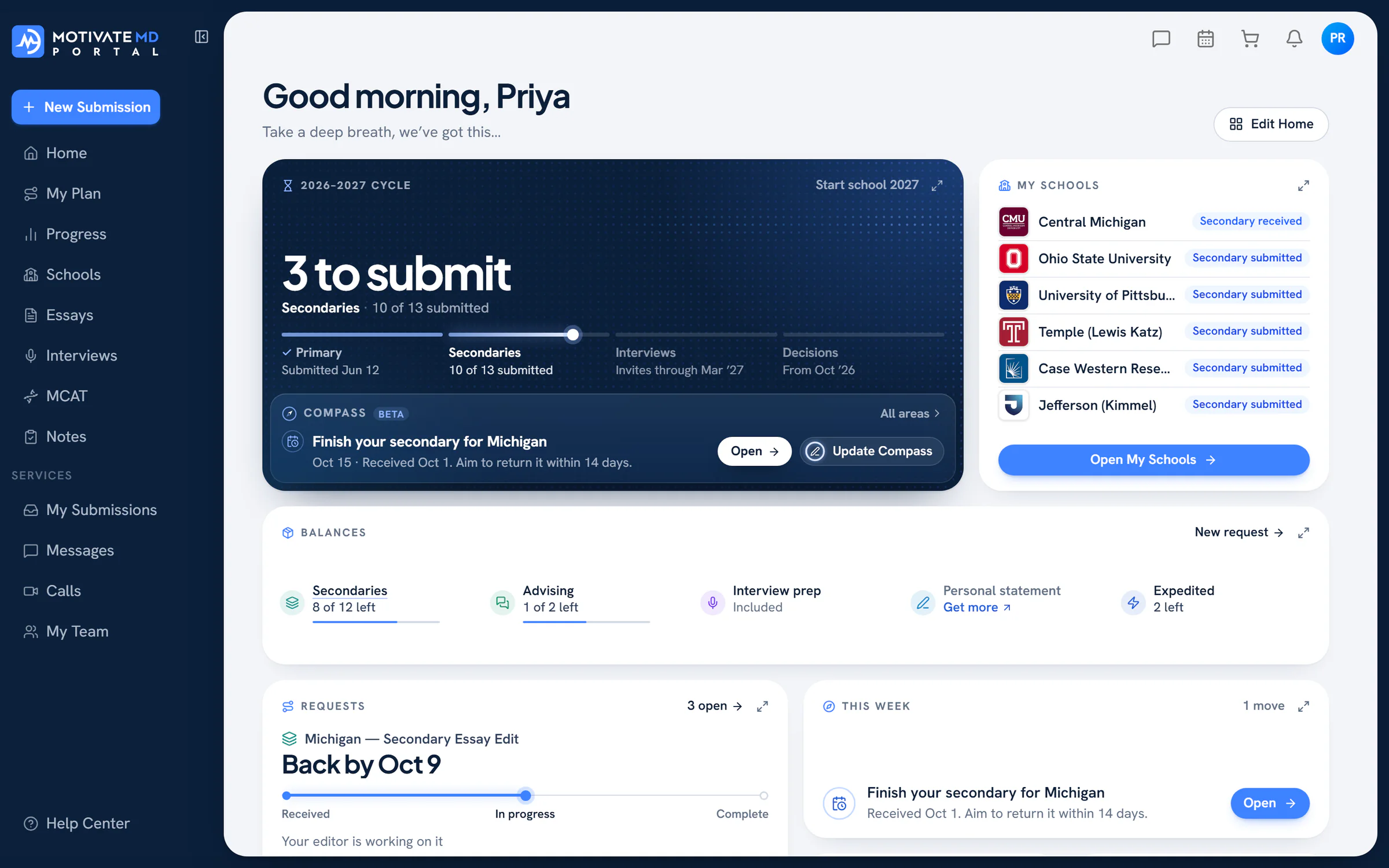
Write on your laptop. Check in on your phone.
One free account opens both. Build your school list and draft your essays on the web, then keep up from anywhere.
For the minutes between everything else.
- Applying
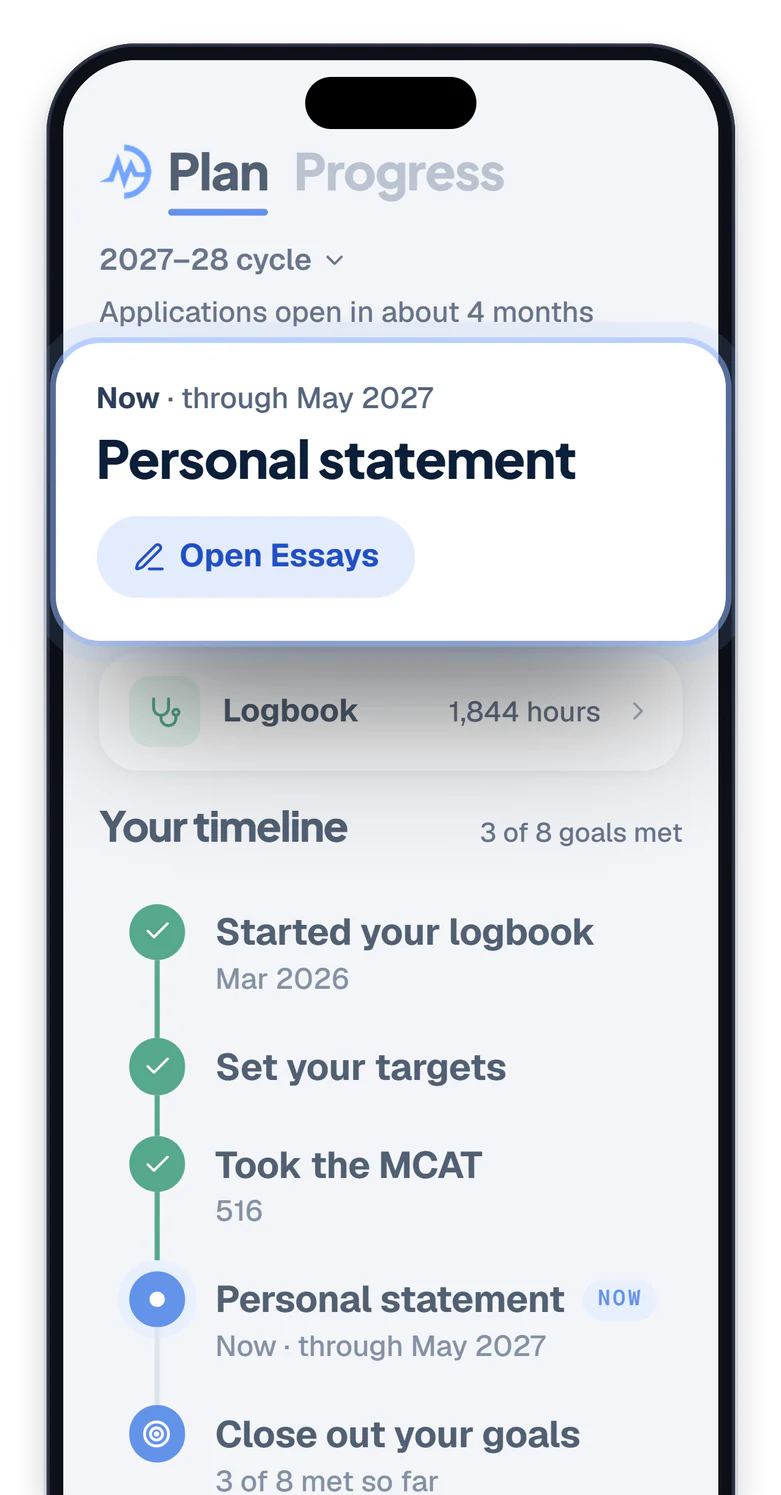
Your application, start to finish.
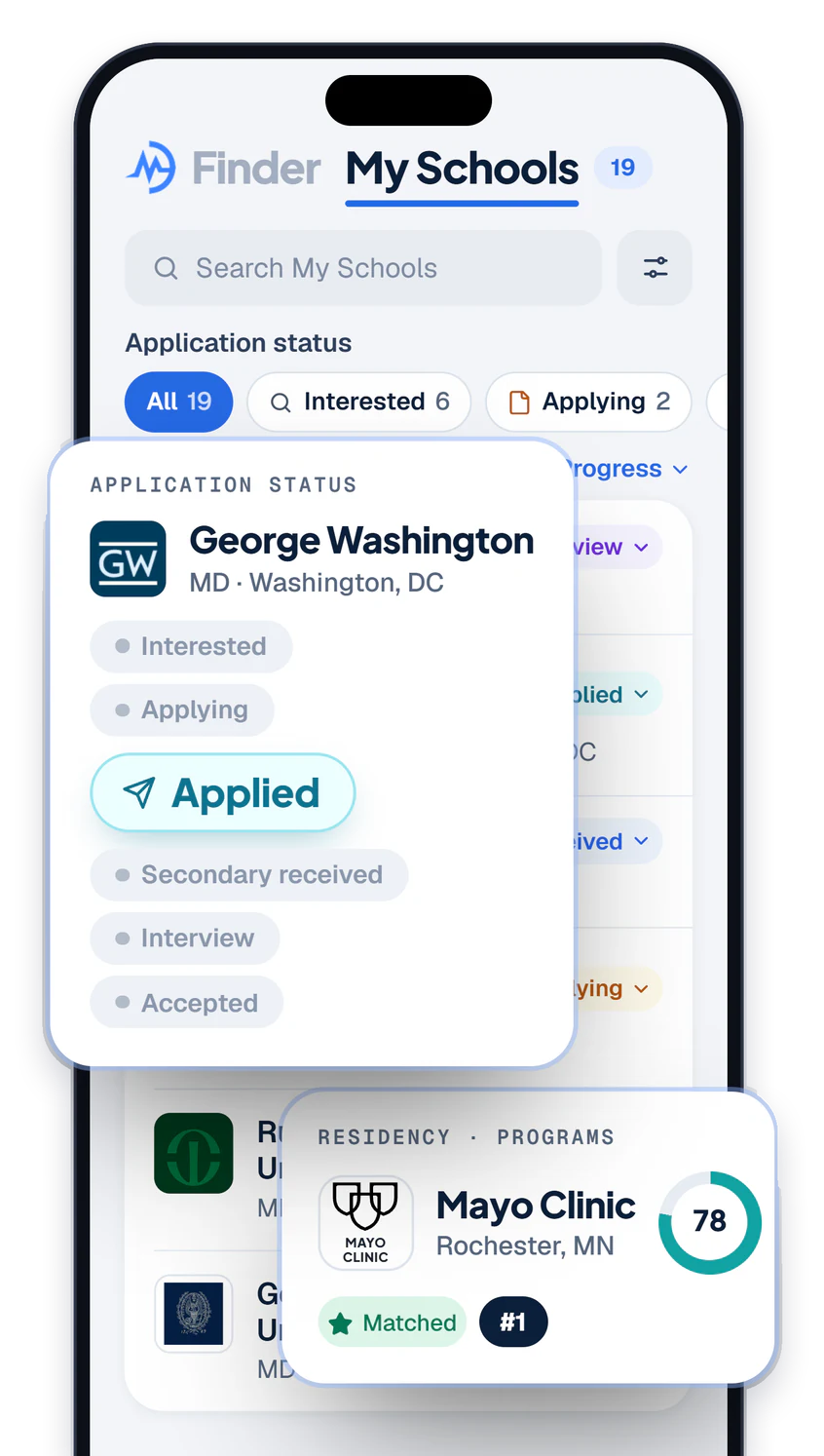
- Applying
Always know your next step.
- Applying
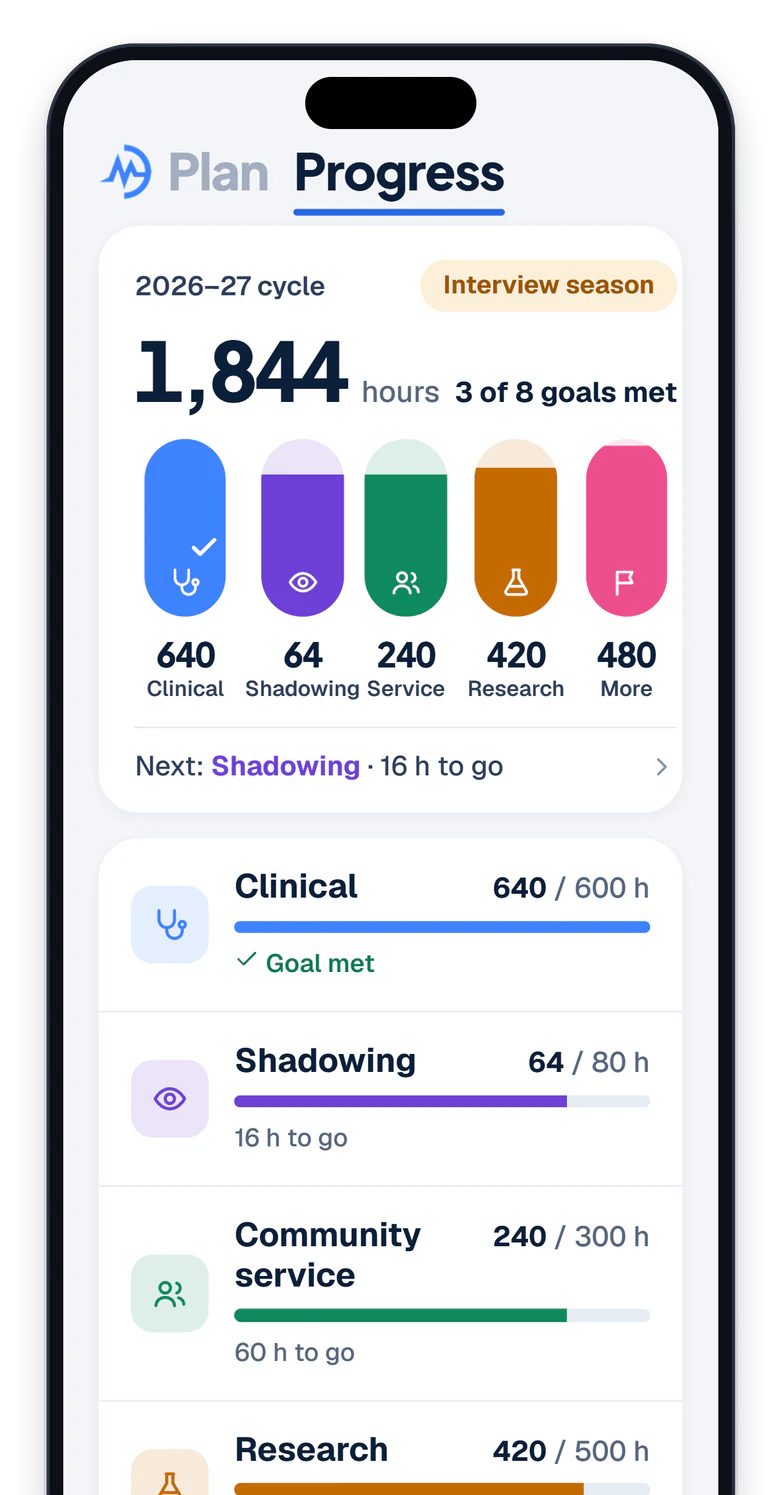
Every hour, accounted for.
- Premed · Med school
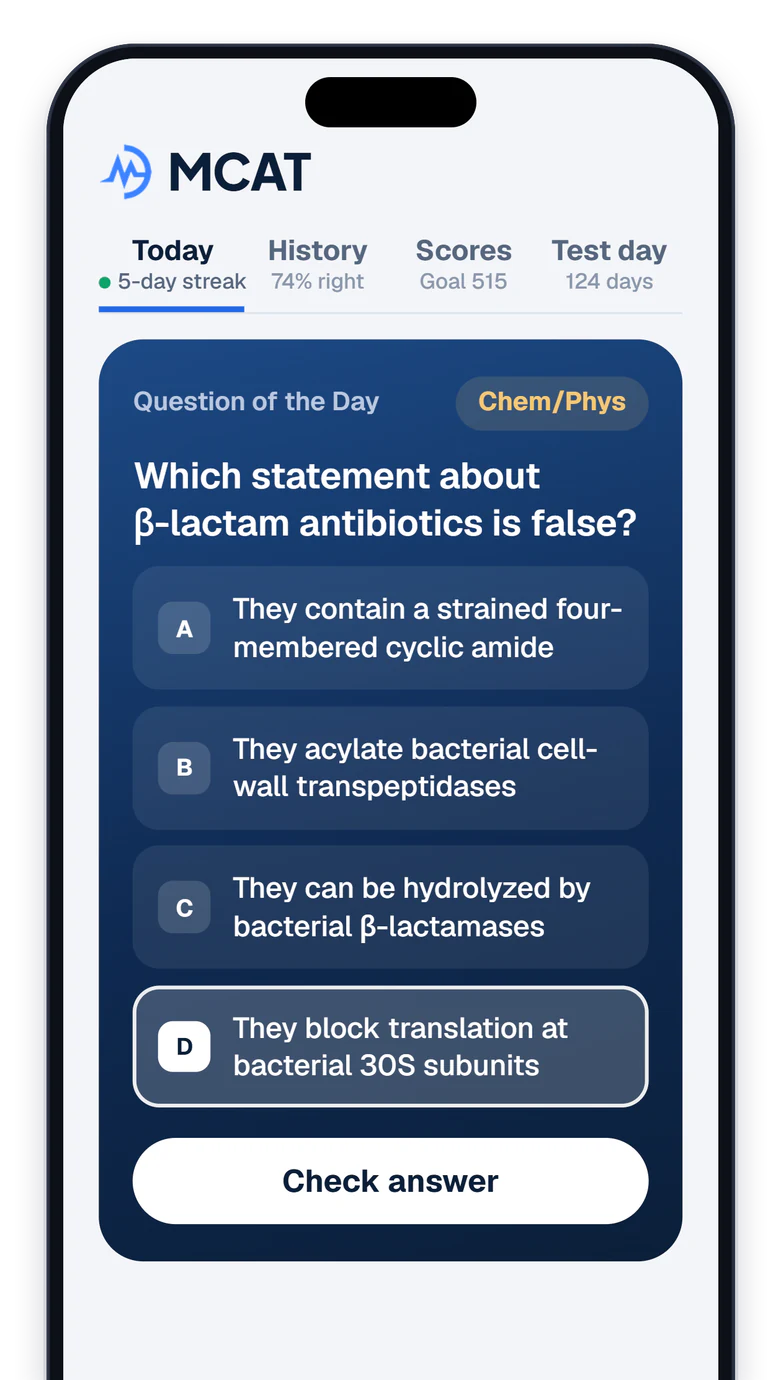
A new question, every day.
MCATStep 1Step 2 CK
- Premed · Applying
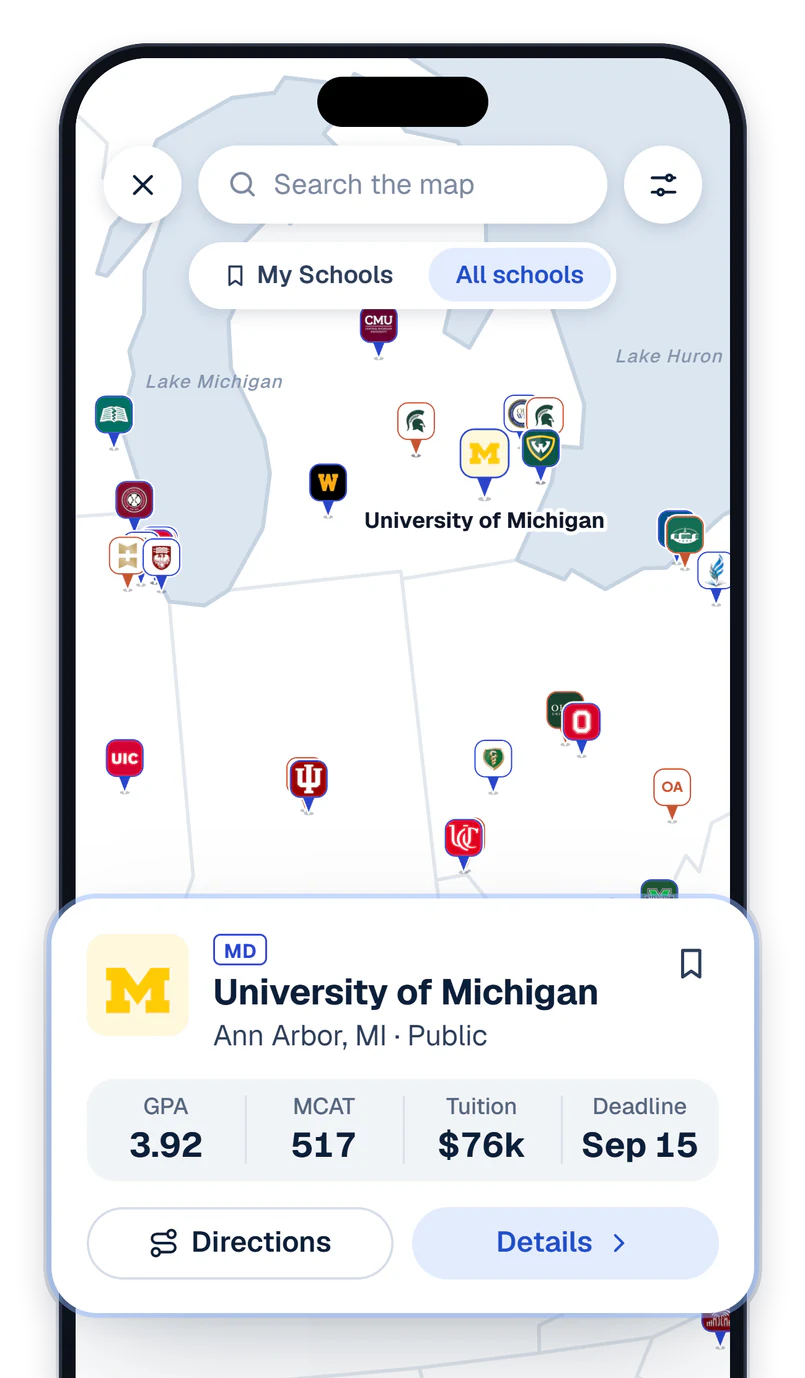
Every med school, by the numbers.
255 MD & DO schools5,578 residency programs
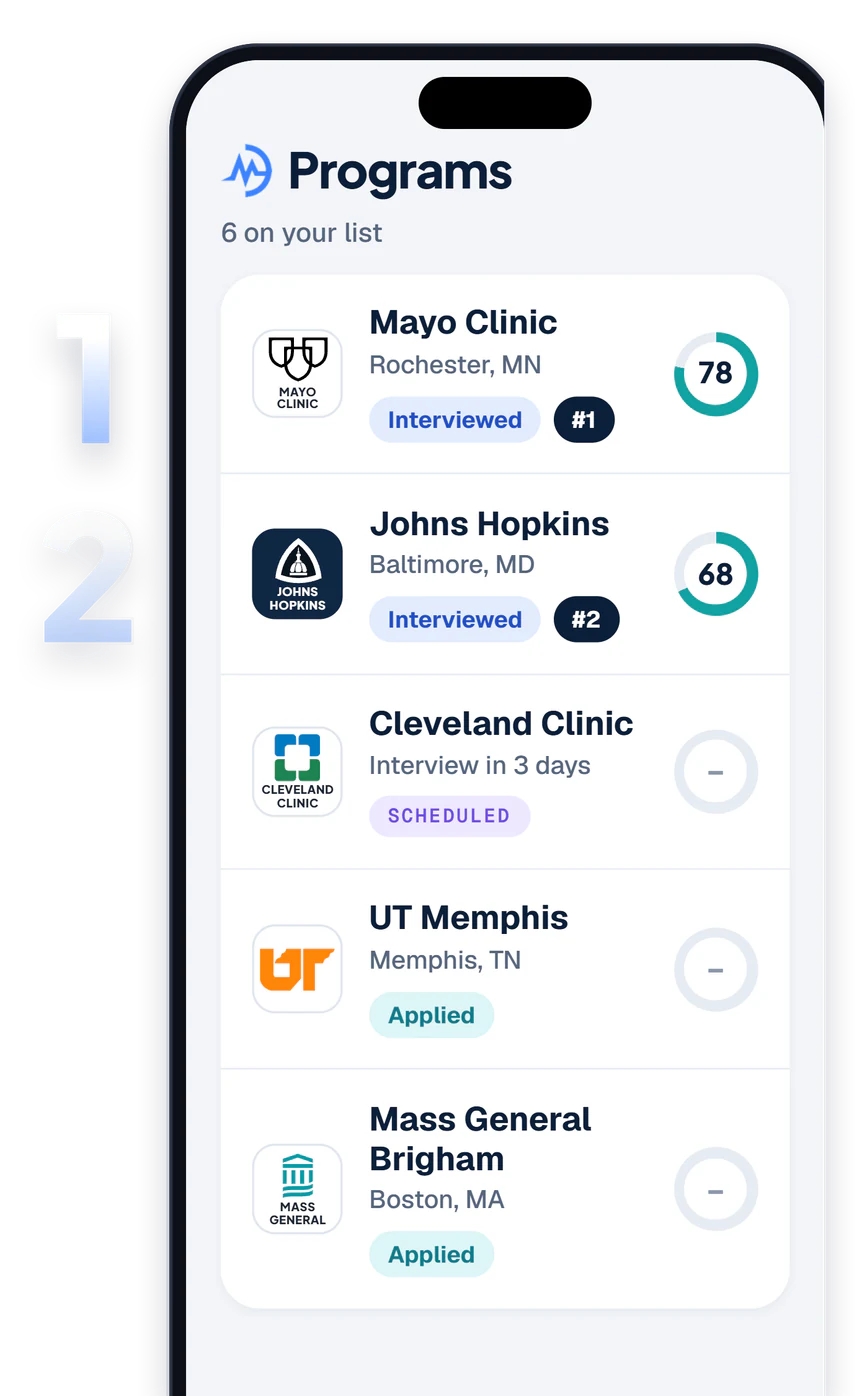
- Residency
Rate and rank every residency program.
- Members
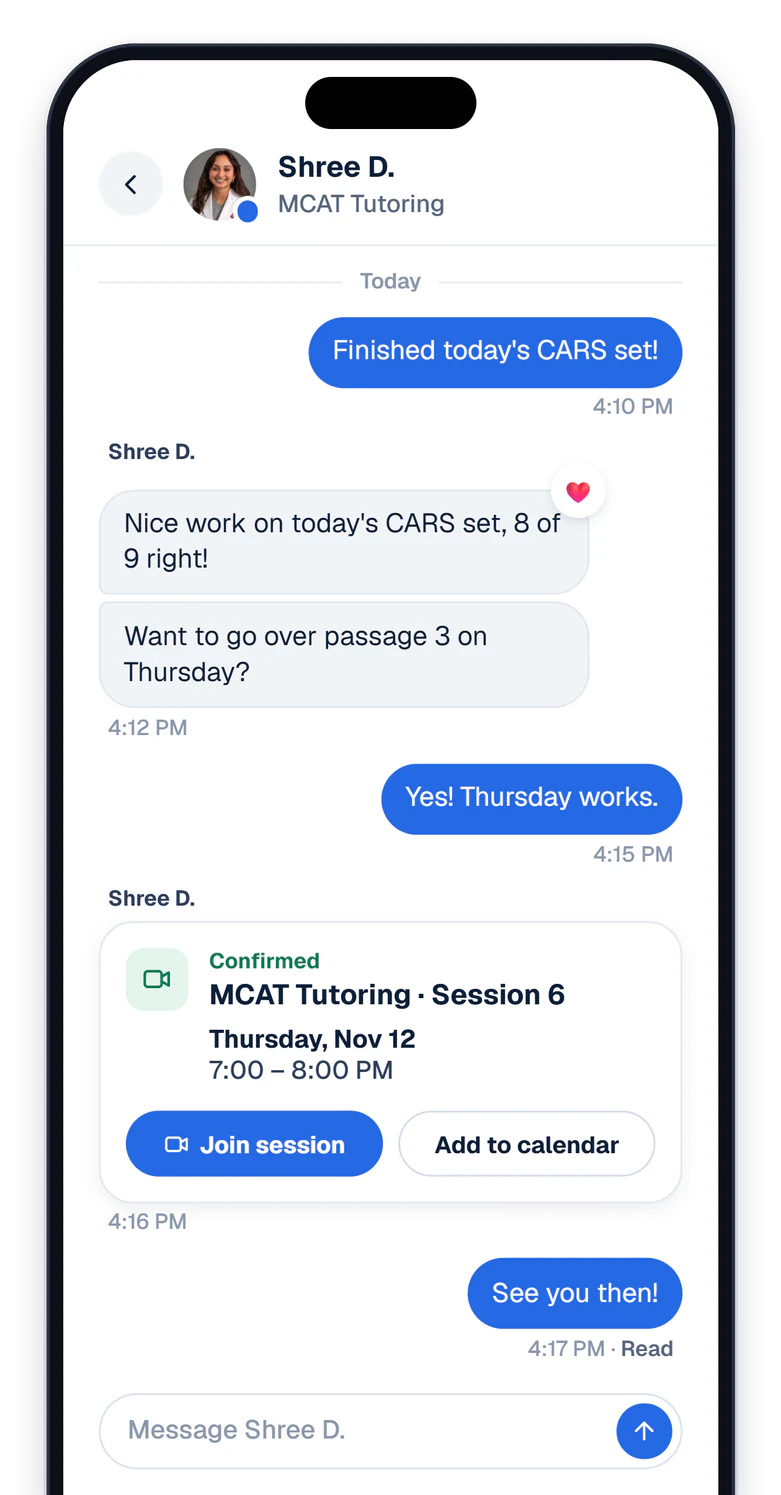
Your team, inside the app.
- Med school
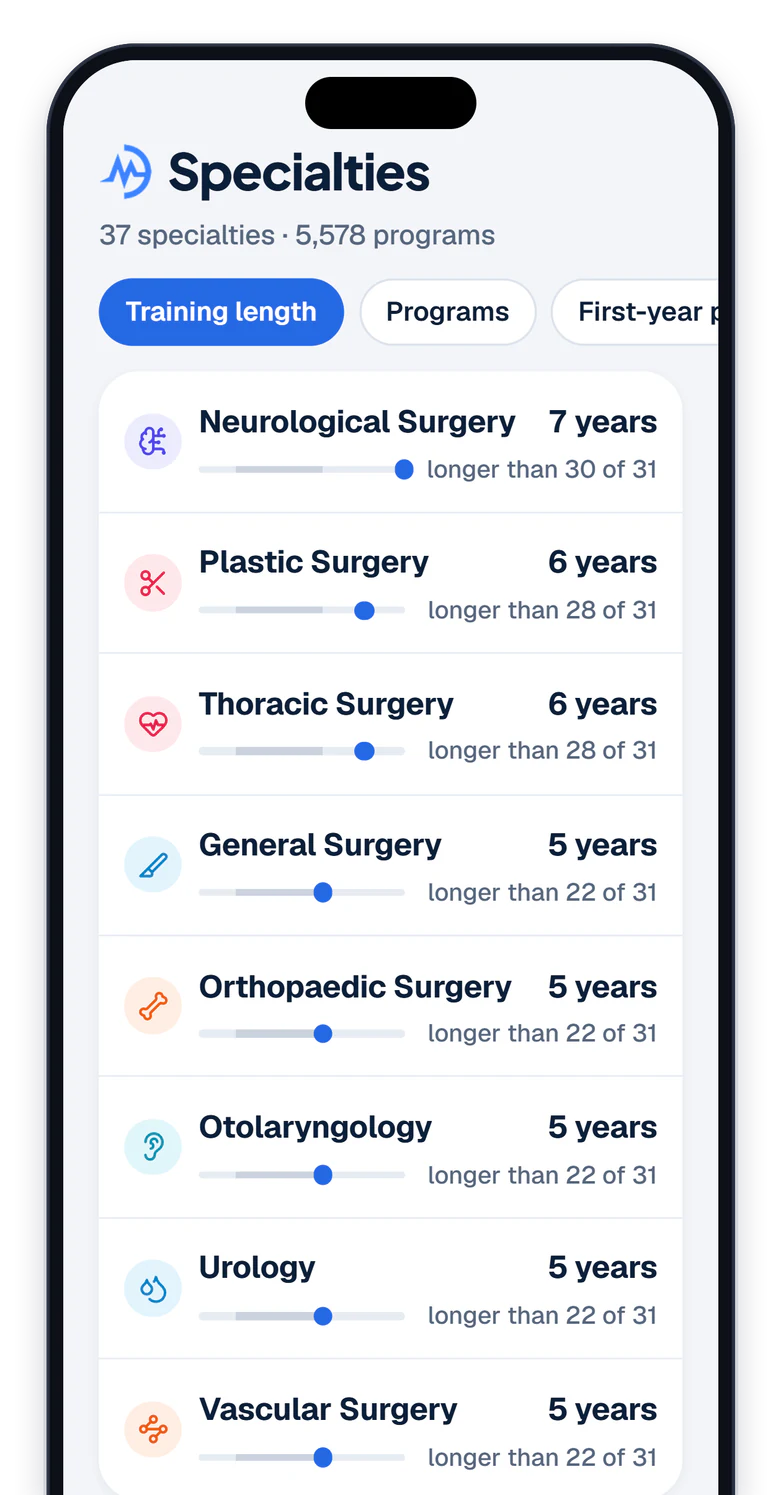
37 specialties, side by side.
- Med school
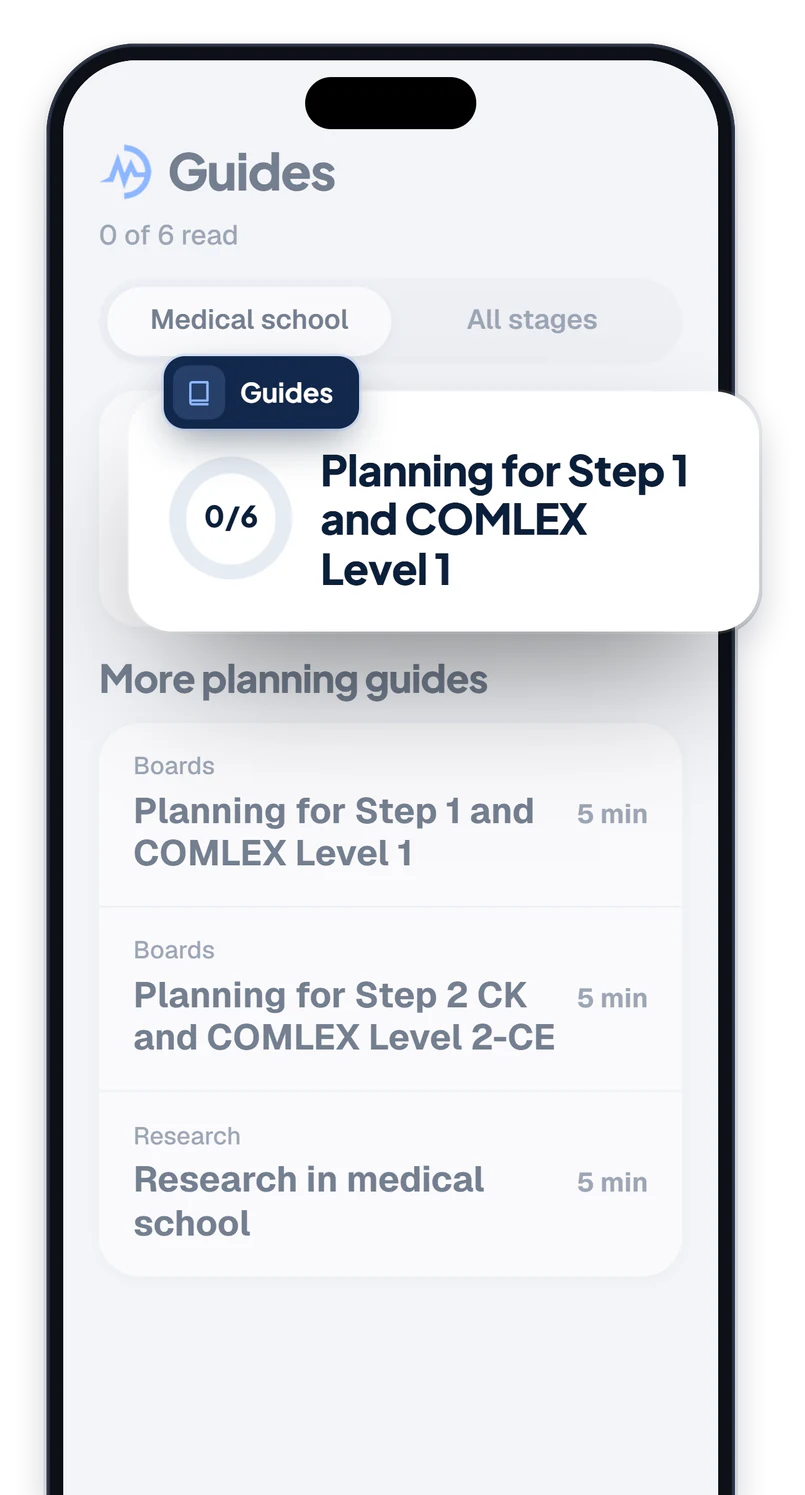
Guides from Step 1 to your specialty.
Used The PreMed App?
It’s the same app with a new name: the Motivate MD app, formerly The PreMed App.
Something missing? Email [email protected]
Update the app.
Same App Store and Google Play listing, now called Motivate MD.
Sign in with your email.
Use the email from The PreMed App and choose Email me a code. Your old password doesn’t carry over.
Pick up where you left off.
Your hours, schools and notes came with you. Hours are in the Logbook, under Plan.
No app on your phone?
The app needs iOS 16.4 or later and is in the App Store and Google Play in the US and Canada. Everywhere else, the Portal works in any browser.
Questions
Is the app different from the Portal?
It’s the Portal, on your phone. You sign in with the same account, and what you save in one is there in the other. Some longer work, like drafting essays, is easier on a laptop.
Is the Motivate MD app free?
Yes. A free account includes the school directory, your school list, the Logbook and the daily questions. Members also get their requests, messages and sessions with their team.
Which phones does it work on?
iPhones with iOS 16.4 or later, and Android phones, in the US and Canada. Anyone can use the Portal on the web at portal.motivatemd.com.
I used The PreMed App. Do I need a new account?
No. Update the app, sign in with the email you used in The PreMed App and choose Email me a code. Your hours, schools and notes came with you.
How do I delete my account?
In the app, open More, then Settings, then Request account deletion. You can also ask from the Portal’s account deletion page or by emailing [email protected]. We finish every request within 7 business days. Open the account deletion page
Get the Motivate MD app.
Free, with the account you already have.