Virtual Residency Interview Tips: How to Stand Out Online in 2026
4 min read9 sections
In this article9
Updated October 2026
Table of Contents
- How to Prepare for a Virtual Residency Interview
- Pre-Interview Setup: Tech, Lighting, Framing
- Zoom Settings That Actually Help
- On-Camera Presence That Builds Rapport
- Platform Prep: Thalamus and Day-Of Logistics
- Common Mistakes To Avoid
- Day-Of Checklist
- Professional Boundaries: Recording and Post-Interview Etiquette
- FAQs
How to Prepare for a Virtual Residency Interview
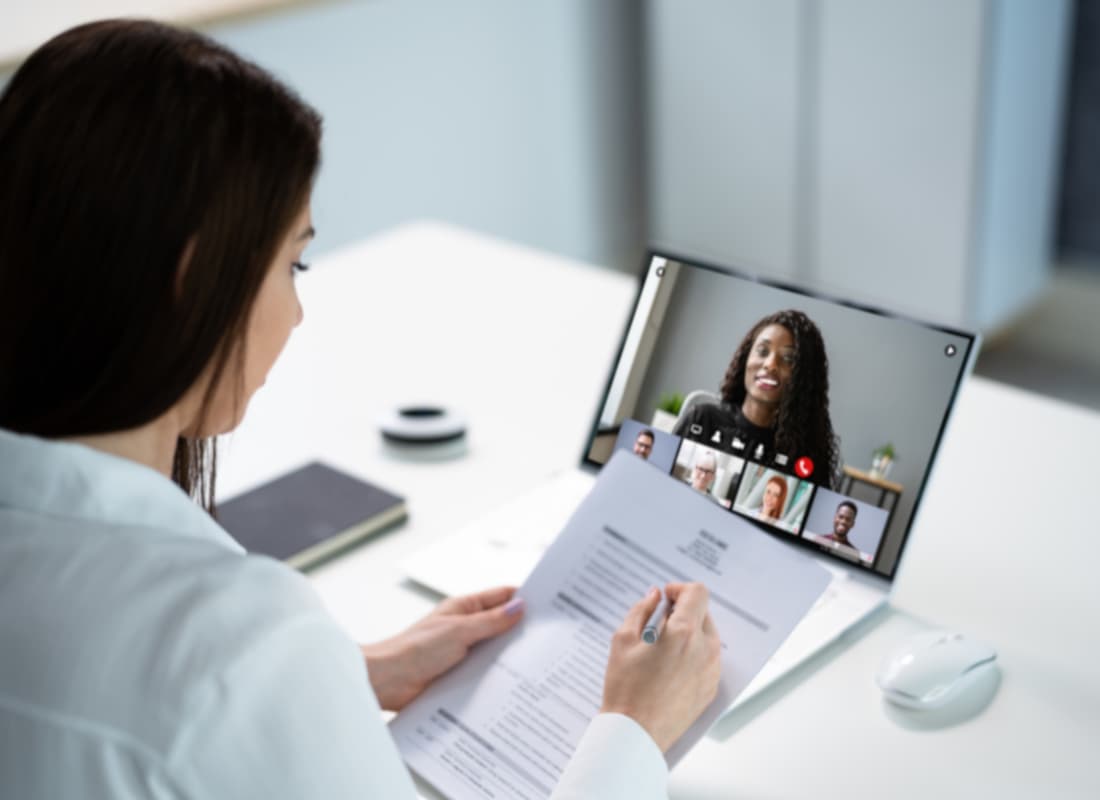
These virtual residency interview tips focus on what changes when the conversation happens on screen. Along with preparing your answers and researching the program, you need to test the device, connection, lighting, audio, and interview platform you will use. The AAMC continues to recommend virtual interviews for residency programs, although individual programs may choose different formats.
Pre-Interview Setup: Tech, Lighting, Framing
Internet and hardware
- Meet HD targets: Zoom recommends about 3 Mbps down and 3.8 Mbps up for 1080p video. Give yourself extra headroom if others share your network.
- Prefer Ethernet or strong Wi-Fi. If your home internet is unreliable, consider a library or private campus space.
- Use a dedicated device with a reliable webcam and microphone. Use a computer or tablet when possible, and keep a backup communication plan available.
Lighting that flatters, not distracts
- Face your light. Place a lamp or window in front of you at a 45-degree angle.
- Diffuse harsh light. Use a lampshade, curtain, or ring light with a diffuser for a softer, natural look.
Framing and camera height
- Eye-level camera. Set the lens at eye height so your posture and framing feel natural.
- Frame mid-chest to head. Leave a little headroom, similar to professional headshots.
- Declutter your background. AMA and AAMC both emphasize a quiet, private, well-lit space without distractions.
Zoom Settings That Actually Help
Most tips stop at “test your tech.” These settings make a visible difference:
- Enable HD video if your connection supports it.
- Adjust for low light by toggling Auto or Manual in Zoom’s Video settings.
- Use Zoom-optimized audio. Keep noise suppression on. Avoid enabling “Original sound for musicians,” which disables suppression.
Pro move: Do a rehearsal at the same time of day, on the same device, with the same lighting. The AAMC recommends practicing with the exact setup you’ll use so it’s repeatable.
On-Camera Presence That Builds Rapport
- Lead with stories. Use concise, specific examples that highlight growth, teamwork, or judgment.
- Digital eye contact. Look into the lens when making key points, and keep the interview window near the camera so your gaze stays natural.
- Keep one-page notes off-screen to avoid darting eyes.
- Ask program-specific questions. AAMC encourages focusing on examples that reveal a program’s true culture.
Platform Prep: Thalamus and Day-Of Logistics
If your program uses Thalamus for scheduling and virtual rooms, log in early, test your access, and keep the coordinator’s email handy in case of issues.
Common Mistakes To Avoid
- Recording the interview. The NRMP Code of Conduct states applicants and programs should not record virtual interviews.
- Backlit or messy background that distracts from your message.
- Poor bandwidth. Always verify your speed with a test before logging on.
- Over-scripting answers. Interviewers can tell when you’re reading. Instead, practice conversational delivery with mock interviews.
Day-Of Checklist
- Restart your computer and close unneeded apps.
- Plug into power and stabilize Wi-Fi (or Ethernet).
- Preview Zoom settings and enable HD if your speed supports it.
- Position camera at eye level, framed mid-chest to head.
- Keep water, pen, and one-page notes handy.
- Join 10–15 minutes early and silence all notifications.
Rapid Troubleshooting Scripts
If audio drops: Switch to phone audio while keeping video on.
If disconnected: Rejoin and say: "Apologies for the disruption, I lost connection briefly and am back now. Thank you for your patience."
If you cannot rejoin: Email the coordinator immediately with subject “Connectivity issue during interview” and request instructions.
Professional Boundaries: Recording and Post-Interview Etiquette
The NRMP Code of Conduct states that neither applicants nor programs should record virtual interviews.
Follow the program’s instructions for post-interview communication. Keep any follow-up professional and do not use it to influence or determine ranking intentions.
FAQs
Do residency programs still use virtual interviews? Yes. Virtual residency interviews are still common, and the AAMC continues to recommend the virtual format. Individual programs may use different formats, so confirm the details in each invitation.
What bandwidth should I aim for? At least 1.2 Mbps up/down for 720p and ~3–4 Mbps for 1080p.
How should I practice? Do a mock interview on the actual device and platform you’ll use. Record your practice to check eye contact and habits.
Can I record my interview? No. The NRMP Code of Conduct states that neither applicants nor programs should record virtual interviews.
Keep preparing
When you are ready to sharpen your answers, read our companion guide: Most Common Residency Interview Questions and How to Answer Them.
Want personalized feedback before your next interview? Book an affordable 1-on-1 mock interview with a physician coach here.